
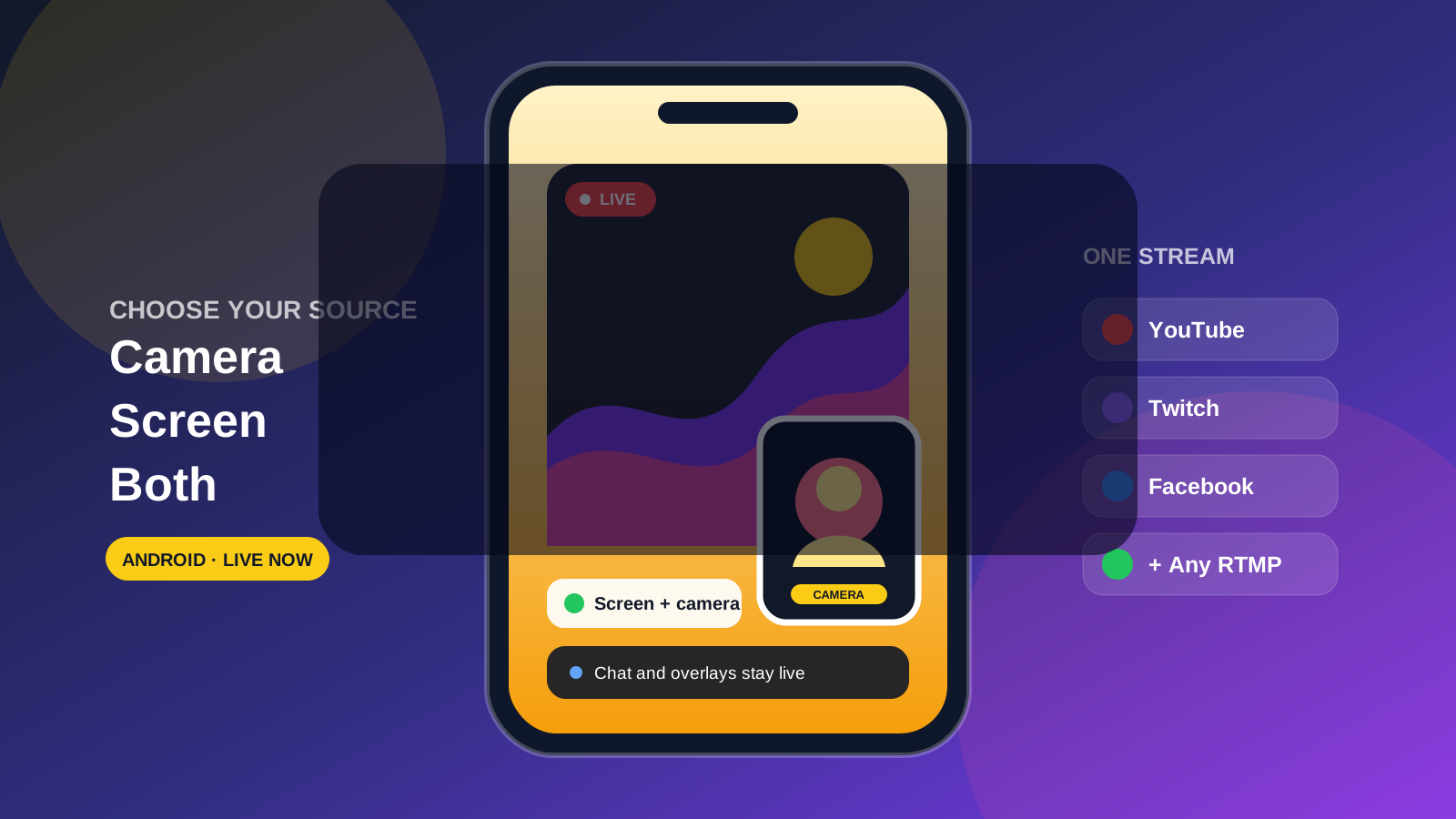
Elige qué mostrar en la pantalla
Comparte tu pantalla sin desaparecer del stream
Transmite tu pantalla de Android sola, usa tu cámara o combina ambas con una superposición de cámara en vivo móvil.
- 1Cámara: Usa tu cámara frontal o trasera como el video principal.
- 2Pantalla: Comparte juegos, aplicaciones, documentos y tutoriales.
- 3Pantalla + cámara: Mantén tu cámara en vivo visible sobre la pantalla compartida.
- 4Multistream: Llega a cada plataforma conectada con la misma transmisión.
Involúcrate en el stream
Superposición de cámara en vivo
- Añade tu cámara sobre un juego, app, demo o tutorial.
- Mueve la cámara en pantalla donde no cubra contenido importante.
- Haz visible tu reacción, explicación o presentación para los espectadores.
- Usa el mismo flujo de trabajo móvil sin construir escenas de escritorio.
Audio flexible
- Captura el audio que se reproduce en tu dispositivo.
- Usa tu micrófono para comentarios o instrucciones.
- Combina el audio del dispositivo y del micrófono en el mismo stream.
- Mantén la transmisión en marcha mientras usas la app que se comparte.
Tus superposiciones de Castream siguen funcionando
- Muestra el chat unificado de tus plataformas conectadas.
- Añade lower thirds para nombres, temas o instrucciones.
- Mantén indicadores en vivo y texto contextual en la transmisión.
- Usa una superposición de cámara y superposiciones de stream juntas.
Diseñado para juegos, demos y enseñanza
Juegos y reacciones
Comparte el gameplay móvil mientras tu audiencia ve tu reacción en vivo y escucha el audio del juego, comentarios o ambos.
Demostraciones de aplicaciones
Guía a los espectadores a través de un producto o flujo de trabajo directamente en el dispositivo donde se ejecuta.
Tutoriales y educación
Explica documentos, lecciones, herramientas creativas o procesos paso a paso mientras te mantienes visible.
Soporte en vivo y guías
Muestra exactamente los toques y pantallas que tu audiencia necesita sin enrutear un teléfono a través de software de escritorio.
Disponibilidad
La captura de pantalla ya está disponible en las aplicaciones de Castream para Android e iOS. La superposición de cámara en vivo está disponible en Android, y el streaming de cámara sigue disponible en ambas plataformas.
¿Necesitas ayuda para configurar la captura de pantalla?
Dinos qué quieres transmitir y qué dispositivo Android usas; te ayudaremos a elegir la configuración de audio, orientación y superposición de cámara correcta.
support@castream.io