
Choose what you put on screen
Share your screen without disappearing from the stream
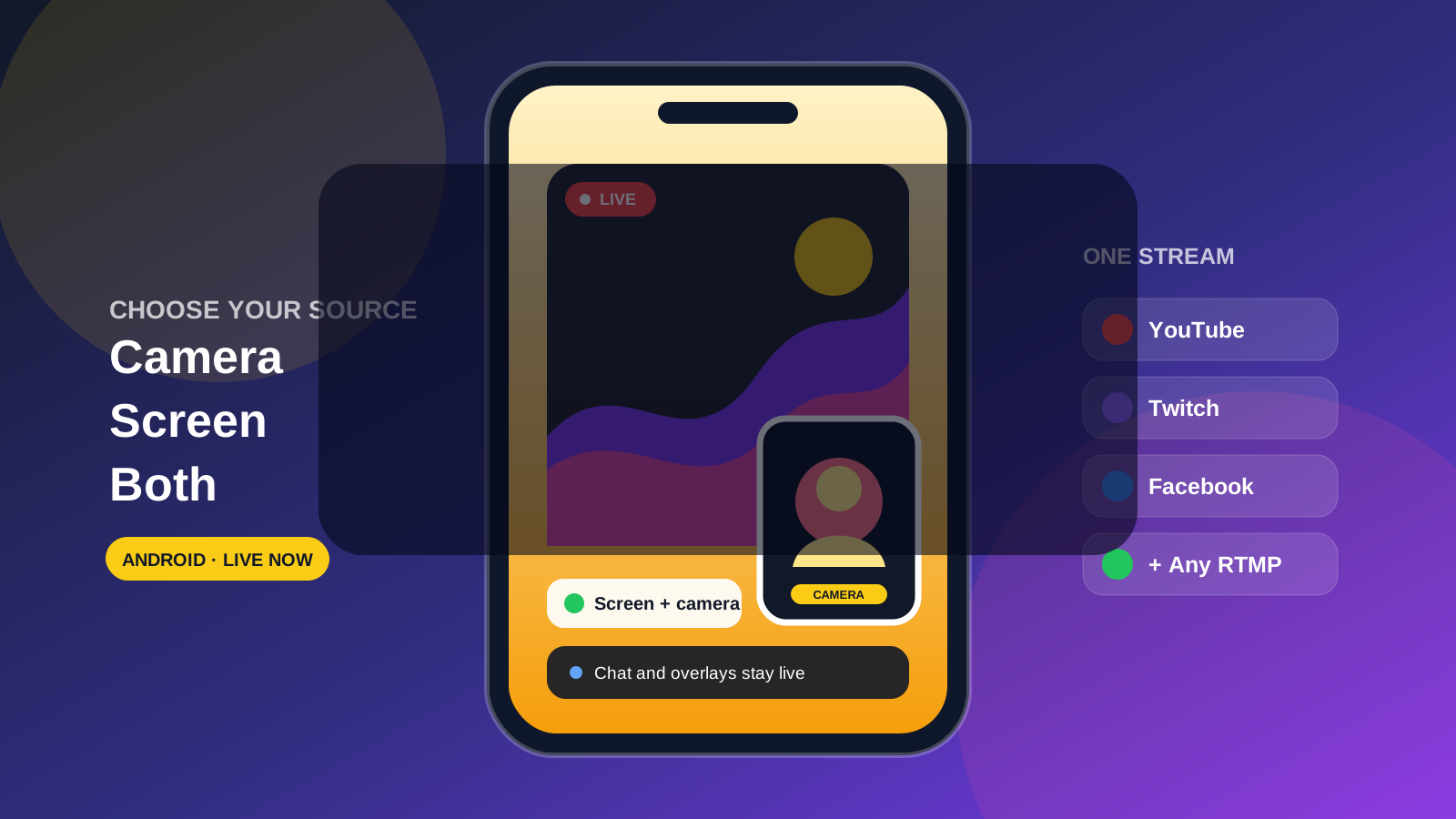
Broadcast your Android screen by itself, use your camera, or combine both with a movable live camera overlay.
- 1Camera: Use your front or rear camera as the main video.
- 2Screen: Share games, apps, documents, and walkthroughs.
- 3Screen + camera: Keep your live camera visible over the shared screen.
- 4Multistream: Reach every connected platform with the same broadcast.
Put yourself in the stream
Live camera overlay
- Add your camera over a game, app, demo, or tutorial.
- Move the picture-in-picture camera where it will not cover important content.
- Keep your reaction, explanation, or presentation visible to viewers.
- Use the same mobile-first workflow without building desktop scenes.
Flexible audio
- Capture audio playing on your device.
- Use your microphone for commentary or instruction.
- Combine device audio and microphone audio in the same stream.
- Keep the broadcast running while you use the app being shared.
Your Castream overlays still work
- Show unified chat from your connected platforms.
- Add lower thirds for names, topics, or instructions.
- Keep live indicators and contextual text in the broadcast.
- Use a camera overlay and stream overlays together.
Built for games, demos, and teaching
Games and reactions
Share mobile gameplay while your audience sees your live reaction and hears game audio, commentary, or both.
App demonstrations
Walk viewers through a product or workflow directly on the device where it runs.
Tutorials and education
Explain documents, lessons, creative tools, or step-by-step processes while staying visible.
Live support and walkthroughs
Show the exact taps and screens your audience needs without routing a phone through desktop software.
Availability
Screen capture is available now in the Castream Android and iOS apps. The live camera overlay is available on Android, and camera streaming remains available on both platforms.
Need help setting up screen capture?
Tell us what you want to stream and which Android device you use—we'll help you choose the right audio, orientation, and camera overlay setup.
support@castream.io