
Multistreaming for gamers
One stream. Every platform.Your focus stays on the game.
Multistream gameplay to Twitch, YouTube, Facebook, and custom RTMP destinations from OBS or your phone. Hand chat to a moderator while you play.
For ranked grinds, tournaments, and community nights.
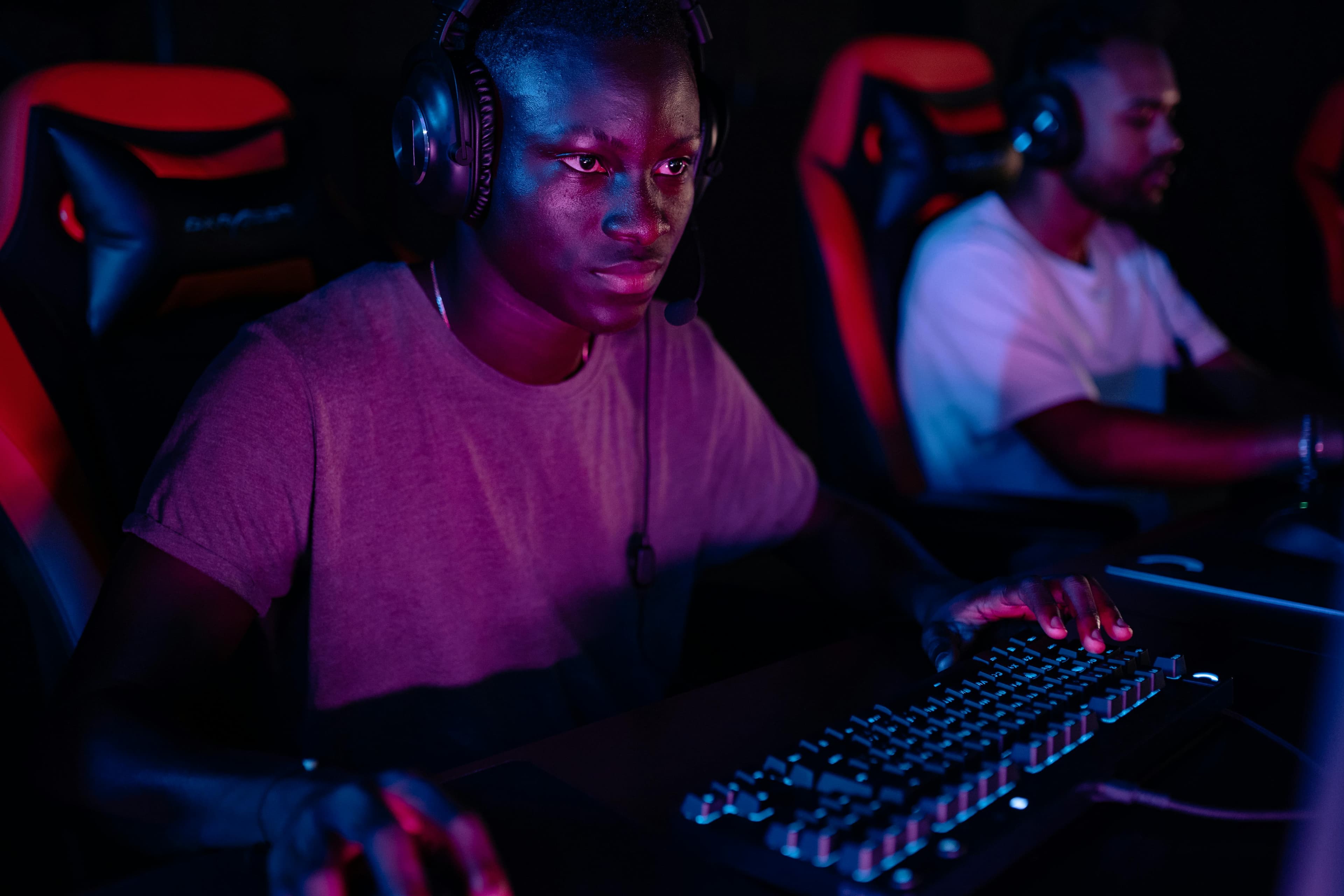
Your stream.
Wherever your viewers are.
 Twitch
 YouTube
 Facebook
From your setup to every platform
One stream in.
Every platform out.
Keep your scenes, alerts, and capture setup. Castream takes one feed and sends it everywhere you stream.
01 / Your setup
Send your gameplay
Stream from OBS on PC, a console through a capture card, or mobile games on Android.
OBS · Capture card · Android screen capture
02 / One workflow
Pick your platforms
Choose which destinations go live from one Castream dashboard.
One stream key → multiple platforms
03 / Their screens
Reach every community
Viewers join on Twitch, YouTube, Facebook, or your custom RTMP destinations.
Twitch · YouTube · Facebook · RTMP
Start with the setup you have
Desk setup or phone.
Both work.
Streaming from OBS? Keep your scenes.
Paste your Castream RTMP URL and stream key into OBS. Your scenes, overlays, alerts, and webcam layout stay exactly as they are.
You’ll need: OBS or another RTMP-capable app, and your platforms connected in Castream.
Playing on mobile? Stream from your phone.
On Android, share your screen with a movable camera overlay and capture game audio, your mic, or both. No capture card needed.
You’ll need: the Castream app on Android and a stable connection.
Built for fast chat
Keep playing.
Chat is covered.
Every chat in one feed
Read and reply to YouTube, Twitch, and Facebook chat in one place instead of three tabs.
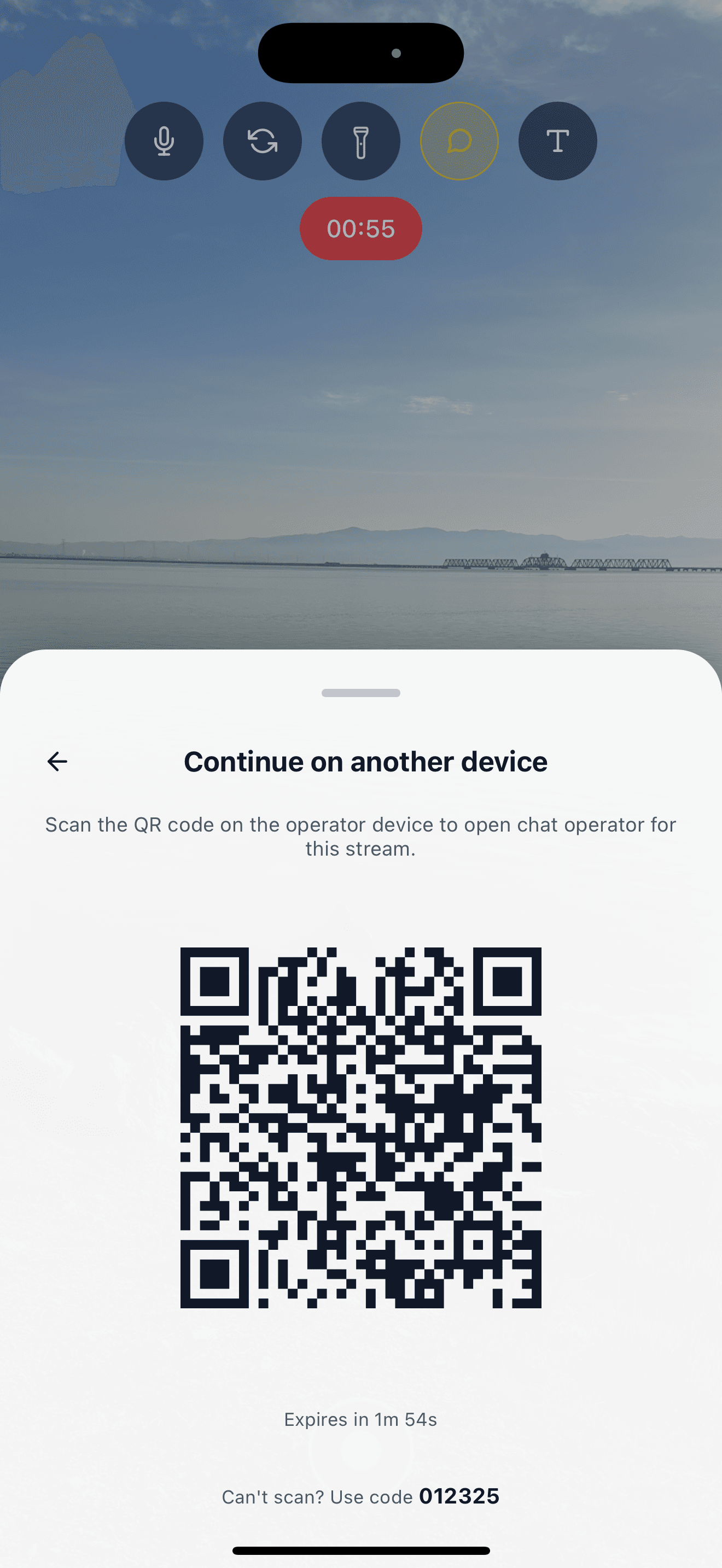
Chat Operator mode
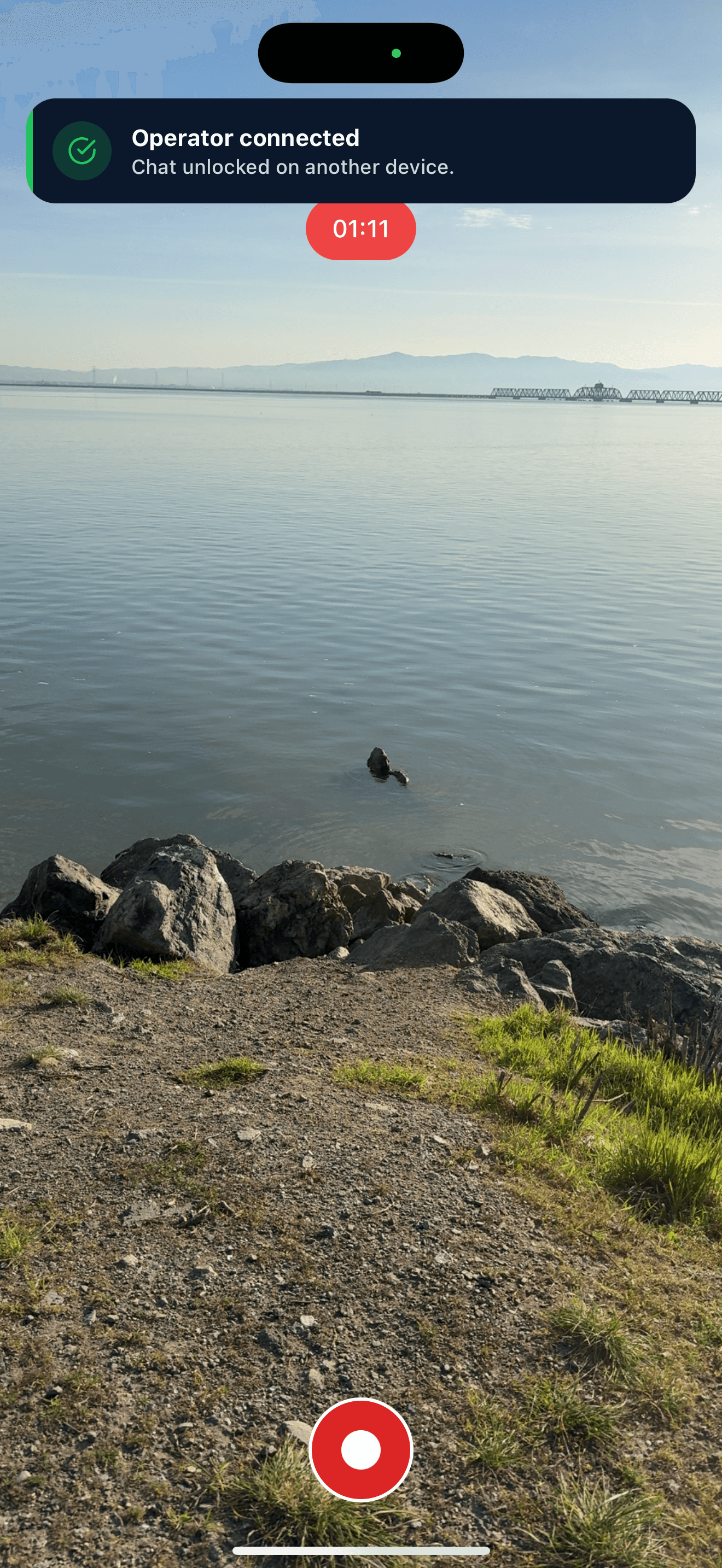
A moderator scans a QR code on another device and runs chat while you stay in the match.
Recordings for highlights
Download your stream within 30 days to cut clips and highlights.
Creator plan
Everything a regular streamer needs.
Creator gives you multistreaming, unlimited stream time, and no watermark.
- 3 simultaneous destinations.
- 720p at up to 2.5 Mbps.
- Unlimited streaming time.
- No Castream watermark.
Need 1080p or five destinations? Pro adds both.
Get started
Set up your next stream.
Connect your platforms, paste one stream key into OBS, and go live everywhere at once.
See the Creator planBefore you go live
Quick answers.
Can I stream to Twitch and YouTube at the same time?
Yes. Connect both in Castream and send one stream. Creator supports three simultaneous destinations and Pro supports five. Each platform’s own streaming requirements still apply.
Does Castream work with OBS?
Yes. Add the Castream RTMP server URL and stream key to OBS as a custom service. Your scenes, sources, and alerts stay the same.
Can I stream mobile games?
Yes, on Android. Share your screen with an optional camera overlay and choose game audio, your mic, or both.
How does Chat Operator mode work?
Open chat on your streaming device and show the QR code. A moderator scans it, or enters the code, on another device and takes over chat. You can unlink them at any time.
Can I stream to Kick or other platforms?
If a platform gives you a stream URL and key, add it as a custom RTMP destination. Run a short test stream before you go live.
Is there a time limit?
Creator and Pro include unlimited streaming time. Your destination platforms may have their own broadcast limits.
Your next stream
Go live once.
Show up everywhere.
From ranked matches to community nights, reach every audience without rebuilding your setup.
Start your gaming stream