
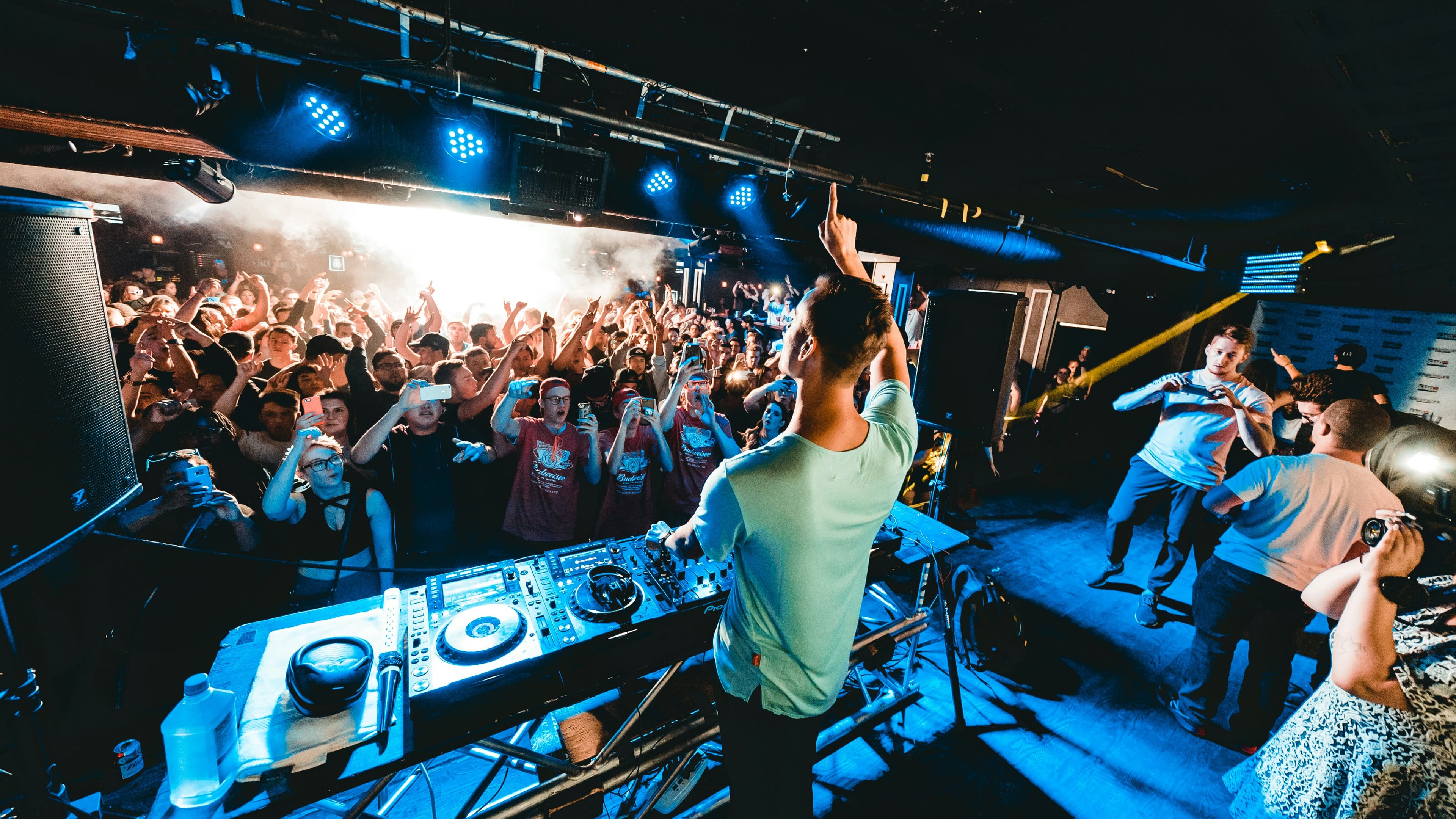
Live streaming for musicians and DJs without the usual mess
Stream concerts, DJ sets, rehearsals, and live performances across multiple platforms from one setup
Castream helps musicians, DJs, bands, producers, and live performers multistream to YouTube, Twitch, Facebook, TikTok via RTMP, and other destinations while keeping fan interaction easier to manage.
- 1
Multistream live music and performances to YouTube, Twitch, Facebook, TikTok via RTMP, and custom RTMP destinations from one workflow.
- 2
Use desktop or mobile whether you are streaming from a venue, studio, rehearsal room, practice space, or on the road.
- 3
Keep audience interaction in one place with unified chat across supported destinations.
- 4
Use mobile as a backup or lightweight setup when a laptop-heavy stream is not practical.
Why musicians and DJs use live streaming
Live streaming lets artists reach fans beyond the room, build a wider audience, and turn rehearsals, sets, sessions, and performances into recurring content. Some fans watch on YouTube, others show up on Twitch or Facebook, and some events need a private RTMP destination or a ticketed workflow.
Instead of choosing one platform and leaving the rest behind, multistreaming helps you perform once and distribute everywhere.
Typical live music streaming setup
- 01Run your mixer or audio interface into your laptop or phone setup.
- 02Use OBS or Castream mobile for video, overlays, and stream control.
- 03Connect YouTube, Twitch, Facebook, TikTok via RTMP, and other destinations.
- 04Go live once and reach fans across multiple platforms at the same time.
Built for different types of performers
- Solo musicians and singer-songwriters.
- DJs and live electronic performers.
- Bands, acoustic sessions, and rehearsal streams.
- Producers, beatmakers, and music creators sharing sessions live.
- Event performers, venue streams, and live concert broadcasts.
Stream concerts, DJ sets, and live performances to multiple platforms
Music audiences are scattered. Some fans want full sets on YouTube, others are used to Twitch-style live interaction, and others may catch performances through Facebook or another embedded destination.
Castream helps simplify that by giving you one stream in and multiple destinations out.
One live performance, multiple destinations
Send one concert, DJ set, or live session into Castream and distribute it to multiple platforms without rebuilding the workflow for each one.
Useful for venue, studio, and mobile performance setups
Use a desktop setup with OBS for a polished production, or go live from a phone when you need speed, portability, or a backup path.
Unified chat for fan interaction
Keep comments, song requests, reactions, and audience interaction in one place instead of opening a pile of separate chat dashboards.
Built for recurring performances and content
Use the same setup for concerts, rehearsals, studio sessions, livestream drops, behind-the-scenes moments, and after-show content.
Best use cases for music live streaming
Concerts and live music performances
- Stream live shows, venue performances, acoustic sessions, and release events.
- Reach fans on multiple platforms at once.
- Use one repeatable setup for recurring live music content.
DJ sets and electronic performances
- Broadcast DJ sets, mixes, livestream parties, and studio sessions.
- Keep the workflow lighter for mobile or on-location streams.
- Manage fan interaction more easily during long live sets.
Mobile live streaming for artists and DJs
Sometimes the full laptop-and-desk setup makes sense. Sometimes it is a pain in the ass.
A mobile workflow is useful for:
- venue check-ins
- backstage content
- rehearsal snippets
- quick stripped-down performances
- after-show streams
- backup live sessions when the main rig is unavailable
That gives artists more flexibility without needing to rebuild everything from scratch.
Unified chat for fan interaction
Live music is not just about the performance. It is also about connection.
Unified chat helps you:
- track comments across multiple platforms
- spot fan reactions more easily
- respond to song requests and shout-outs
- keep moderators in one workflow during bigger live events
That is especially useful for artists with communities spread across more than one platform.
Music live streaming checklist
| Need | Castream solution |
|---|---|
| Stream to YouTube, Twitch, Facebook, and RTMP | Multistream from one workflow |
| Support concerts, sets, and rehearsals | Desktop and mobile streaming options |
| Fan interaction during live shows | Unified chat across destinations |
| Flexible venue or studio setup | Works with OBS and mobile workflows |
| Backup streaming option | Phone-based live streaming when needed |
| Private or custom distribution | RTMP destination support |
| Repeatable live content workflow | One input and one distribution path |
Tips for musicians and DJs using live streaming
- 01Test your audio routing before every live set so you do not accidentally stream a beautiful concert through cursed laptop mic garbage.
- 02Use clear titles like Live Acoustic Session, Friday Night DJ Set, Album Release Stream, Studio Jam, or Rehearsal Live.
- 03Keep overlays simple so the performance stays central instead of looking like a nightclub flyer exploded on screen.
- 04Use mobile for backstage, venue, and on-the-go content, and desktop when you want a more produced concert stream.
- 05Record your best live moments and reuse them for clips, promos, and post-show content.
FAQs about live streaming for musicians and DJs
Can I stream a concert or DJ set to multiple platforms at the same time?
Yes. Castream lets you send one live performance to multiple destinations from a single workflow.
Does this work for DJs and bands?
Yes. It can be used for DJ sets, live electronic performances, solo artist sessions, bands, rehearsals, acoustic streams, and live concerts.
Can I stream from my phone?
Yes. Mobile streaming works well for lighter setups, backstage streams, quick performances, and backup workflows when a laptop setup is not ideal.
Can I use OBS for music live streaming?
Yes. If your performance workflow already uses OBS, audio interfaces, scenes, and overlays, Castream can fit into that setup.
Need help setting up your live music workflow?
We can help you plan a multistream setup for concerts, DJ sets, rehearsals, sessions, and live performances.
[email protected]