
Live streaming for fitness coaches
Lead the class.Wherever they work out.
Stream workouts, yoga, and Pilates classes to YouTube, Facebook, and private RTMP destinations at the same time, straight from your phone or OBS.
For morning flows, HIIT sessions, and member-only classes.
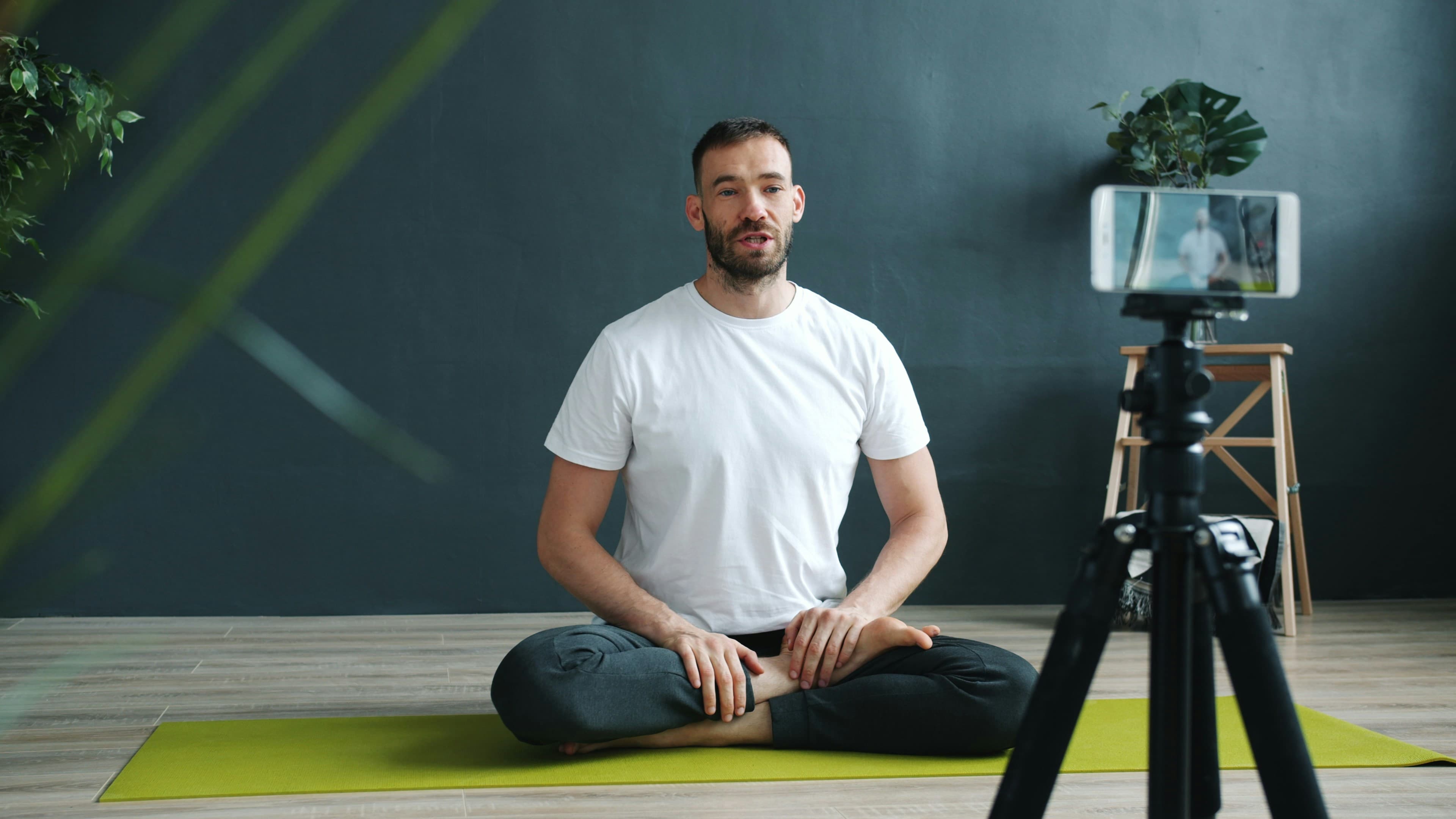
Your class.
In every living room.
 YouTube
 Facebook
From your studio to their mat
One class. One feed.
Every member at once.
Set up a phone on a tripod or use your studio cameras. Castream sends your class wherever your members train.
01 / Your setup
Start your class
Stream from a phone on a tripod, OBS, or a compatible RTMP encoder.
iPhone · Android · OBS · RTMP encoder
02 / One workflow
Choose where it goes
Send the same class to public platforms and to a members-only RTMP destination.
One incoming feed → multiple destinations
03 / Their screens
Train together
Members join on YouTube, Facebook, or your membership platform’s player.
At home · At the gym · On the road
Start where your studio is
A phone and a tripod.
Or a full studio.
Teaching solo? Start with your phone.
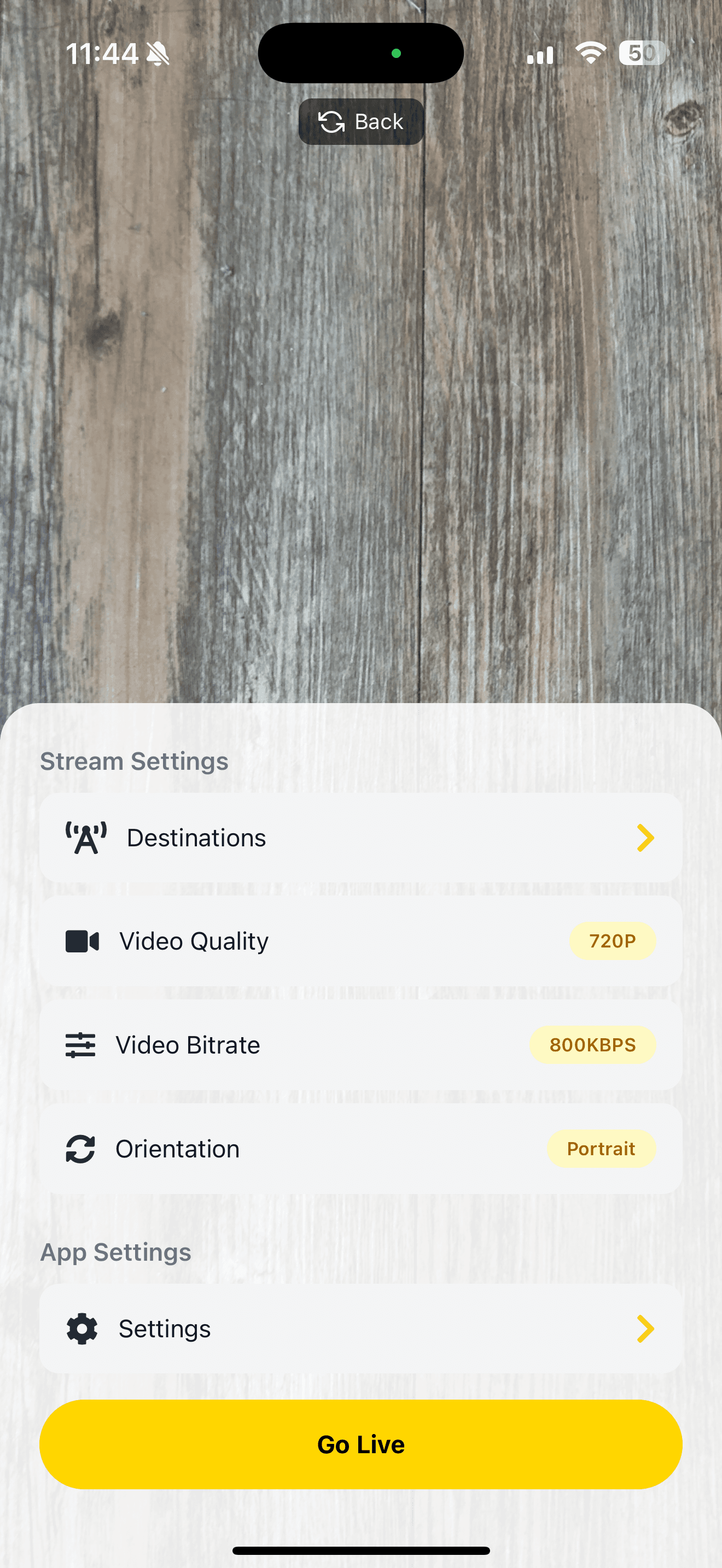
Set your phone on a tripod and go live from iPhone or Android. Add lower thirds and custom text right in the app.
You’ll need: the Castream app, a tripod, a stable connection, and a clip-on mic.
Studio setup? Keep it.
Send your OBS or hardware encoder feed to Castream. Your cameras, sound, and graphics stay as they are.
You’ll need: an RTMP-capable source and access to your streaming accounts.
Built for coaches
Coach the class.
Not the tech.
Public and members-only together
Send a class to YouTube or Facebook and to a private RTMP destination your membership platform provides.
Stay connected with members
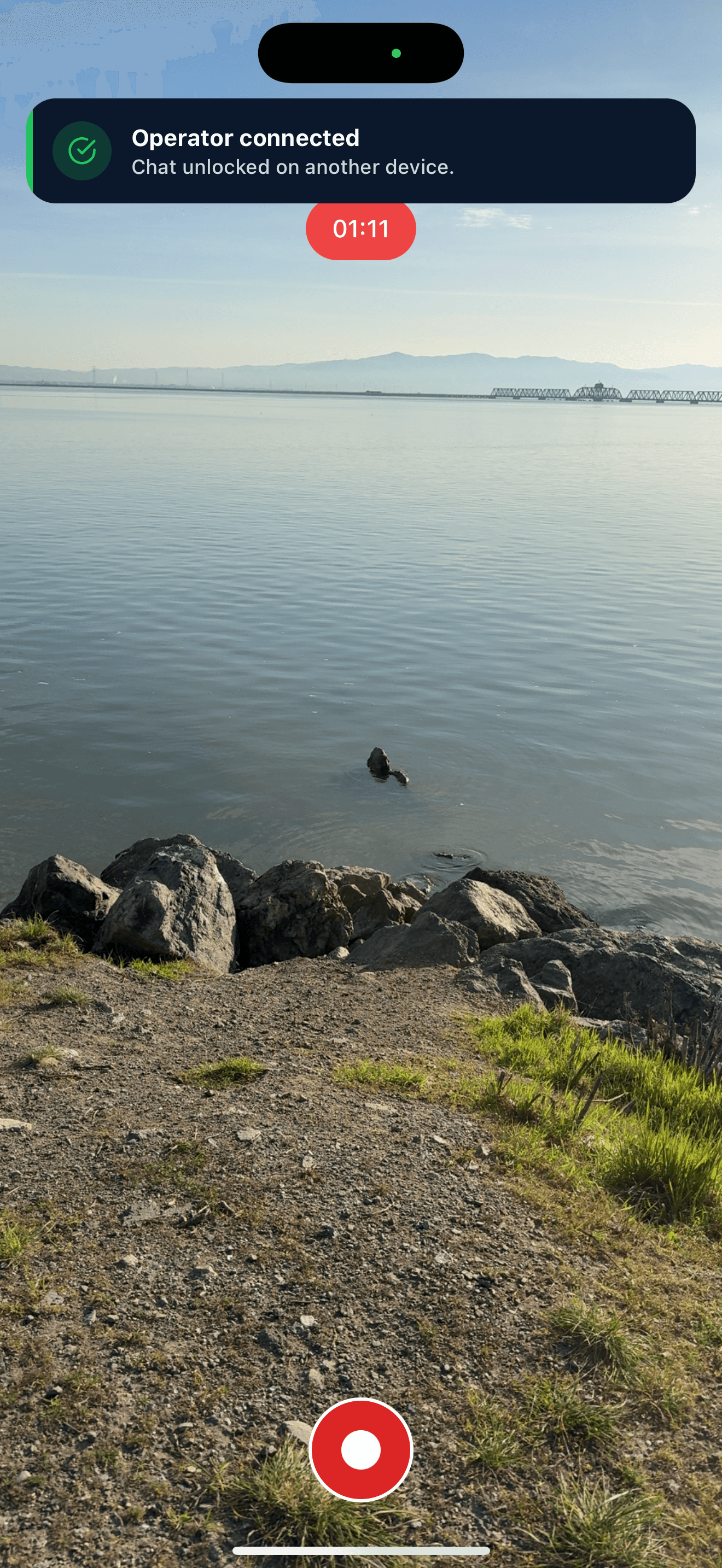
See comments from YouTube, Twitch, and Facebook in one unified chat, or let a helper run chat from another device.
Replay your best classes
Download recordings within 30 days, or use Broadcast Again to replay a class to your destinations.
Creator plan
Everything a weekly class schedule needs.
Creator gives you multistreaming, unlimited stream time, and no watermark.
- 3 simultaneous destinations.
- 720p at up to 2.5 Mbps.
- Unlimited streaming time.
- No Castream watermark.
Need 1080p or five destinations? Pro adds both.
Get started
Set up your next class.
Connect your platforms, set up your phone, and go live to every member at once.
See the Creator planBefore your first class
Quick answers.
Can I stream to public and members-only audiences at the same time?
Yes, if your membership platform provides an RTMP ingest URL and stream key. Add it as a custom destination next to YouTube or Facebook. Access and privacy are controlled by that platform.
Can I stream a class from my phone?
Yes. Use Castream on iPhone or Android. A tripod and a clip-on mic make a big difference.
Does it work for yoga and Pilates?
Yes. Yoga, Pilates, HIIT, strength, dance, and wellness sessions all use the same workflow.
Can members catch up later?
Castream keeps recordings for 30 days so you can download them and share them with your members.
Is there a time limit?
Creator and Pro include unlimited streaming time. Your destination platforms may have their own broadcast limits.
Your next class
Lead it once.
Train together everywhere.
From sunrise yoga to evening HIIT, bring every member into the class with Castream.
Start your class setup