
Live streaming for sports teams and clubs
Every game, live.For every fan who can’t be there.
Stream games, matches, and tournaments to YouTube, Facebook, Twitch, and custom RTMP destinations at the same time, from a phone on the sideline or a full OBS setup.
For youth leagues, school teams, and esports clubs.
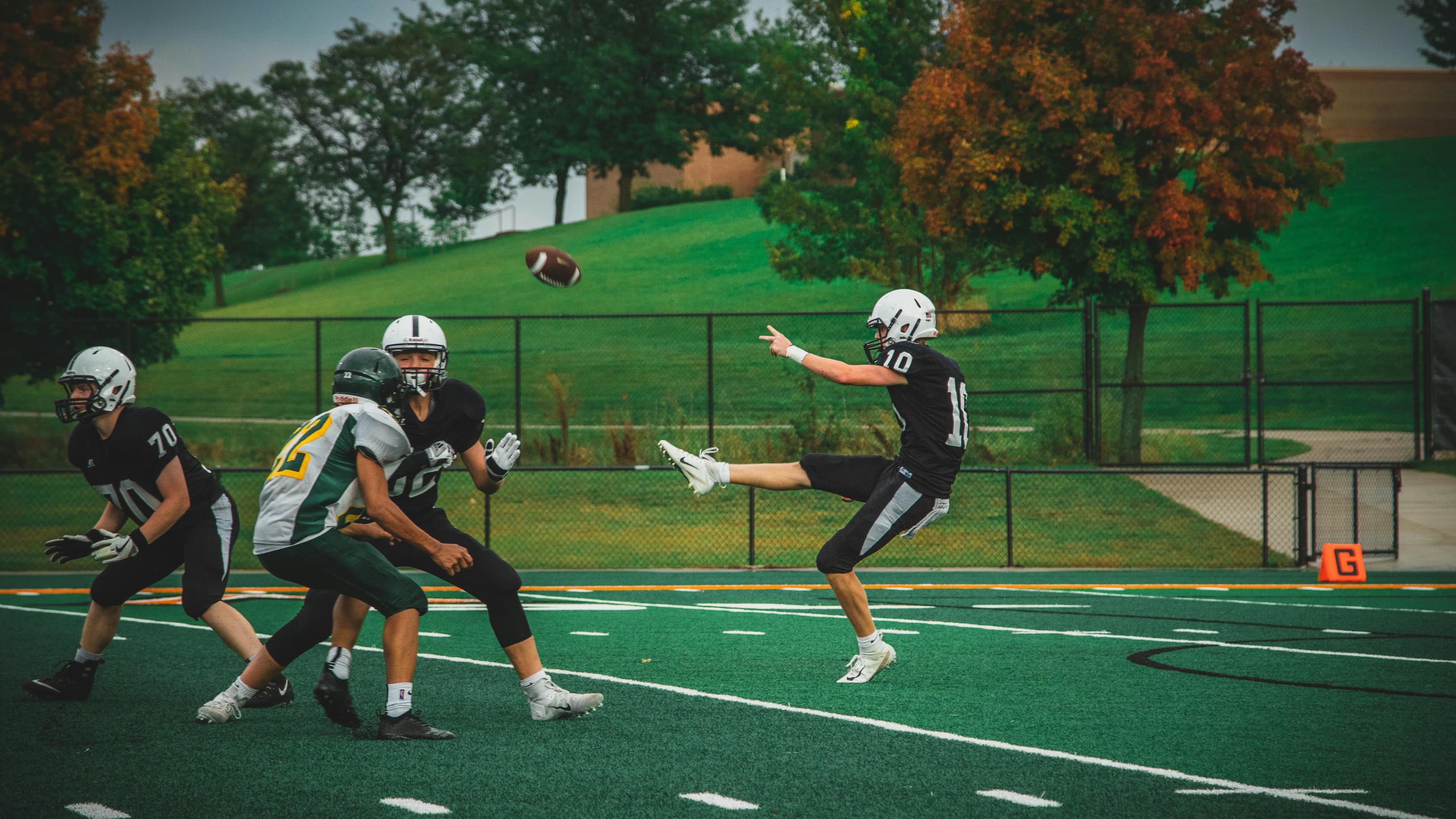
Your team.
Wherever the fans are.
 YouTube
 Facebook
 Twitch
From the field to every screen
One game. One feed.
Every fan at once.
Use the camera setup your club already has. Castream sends the game to every platform your families and fans use.
01 / Your setup
Send the game
Stream from a phone on the sideline, OBS with your scoreboard graphics, or a compatible RTMP encoder.
Sideline phone · OBS · RTMP encoder
02 / One workflow
Choose where it streams
Connect your club’s platforms once and pick which ones go live for each game.
One incoming feed → multiple destinations
03 / Their screens
Bring fans in
Families, alumni, and fans watch on YouTube, Facebook, Twitch, or your league’s RTMP destination.
Away games · At home · Watching later
Start where your club is
A phone on the sideline.
Or a full broadcast.
Volunteer crew? Start with a phone.
Go live from iPhone or Android. Add team names, a match title, or custom text with built-in overlays.
You’ll need: the Castream app, a tripod or mount, and a strong mobile connection at the venue.
Running a production? Keep your graphics.
Send your OBS or encoder feed with scoreboards and sponsor graphics to Castream. Nothing about your production changes.
You’ll need: an RTMP-capable source and access to your club’s streaming accounts.
Built for game day
Keep the crew small.
Keep the fans close.
One chat for every fan
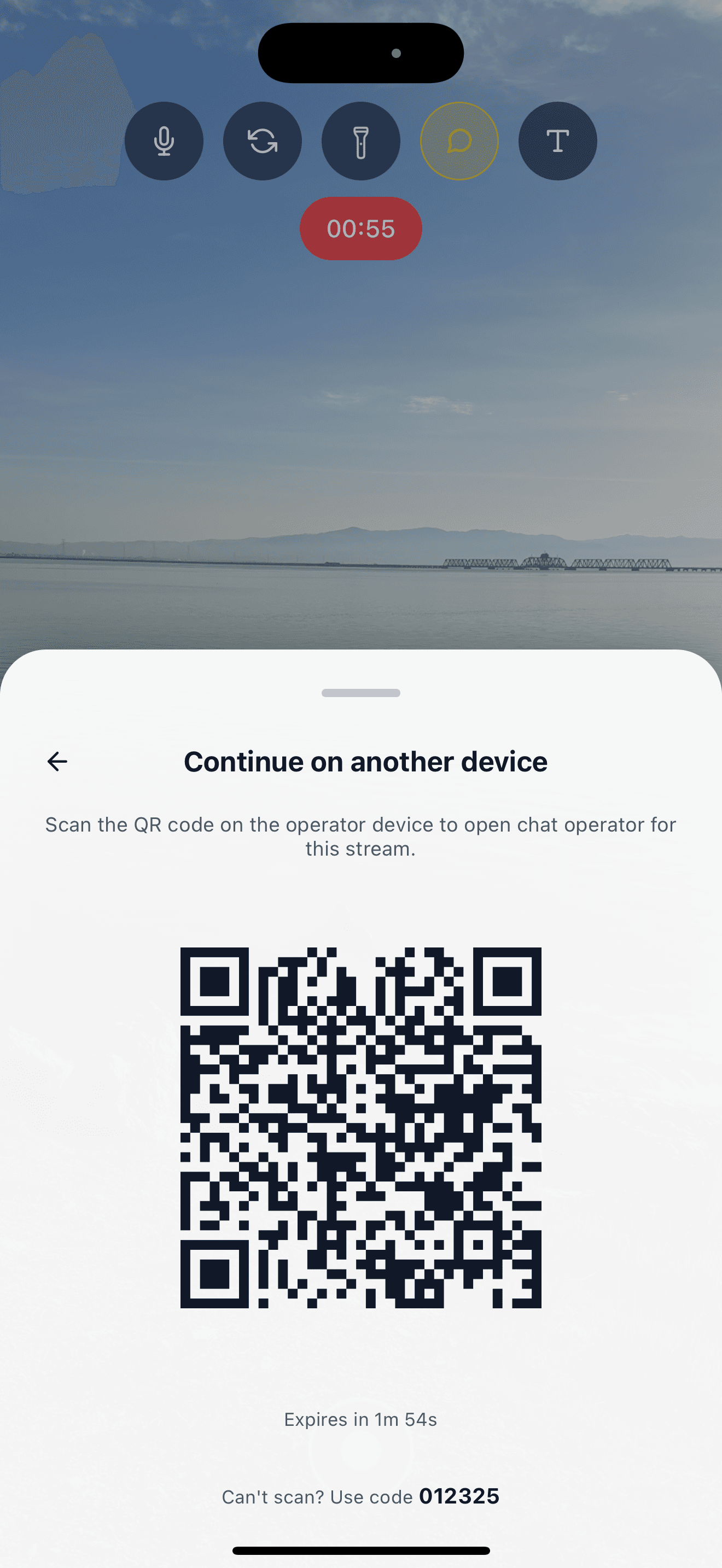
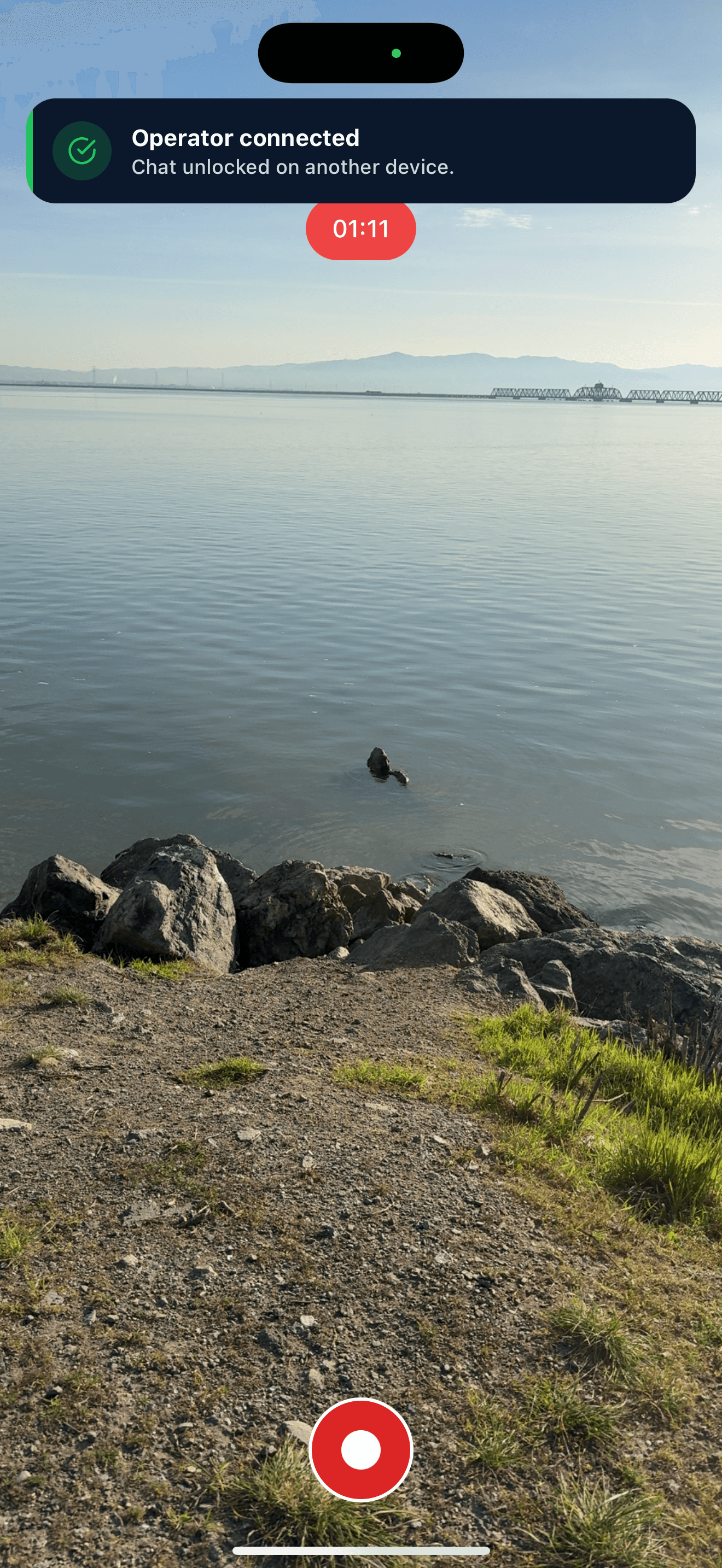
See comments from YouTube, Twitch, and Facebook in one unified chat, or hand chat to a volunteer on another device.
Game-day overlays
On mobile, add lower thirds, match titles, and custom text. On desktop, keep your OBS scoreboards.
Every game recorded
Download recordings within 30 days for highlights, scouting, or the season archive.
Pro plan
Built for game day.
Pro gives your club more destinations and full HD for every game.
- 5 simultaneous destinations.
- 1080p at up to 6 Mbps.
- Unlimited streaming time.
- No Castream watermark.
Spend game day on the game, not on stream keys.
Get started
Get your next game online.
Connect your club’s platforms, set up one feed, and go live everywhere your fans follow.
See the Pro planBefore kickoff
Quick answers.
Can we stream games to YouTube and Facebook at the same time?
Yes. Connect both and send one feed. Pro supports up to five simultaneous destinations. Each platform’s live-streaming requirements still apply.
Do we need a full production crew?
No. A phone on a tripod is enough to start. Add OBS, cameras, and scoreboard graphics when your club is ready.
Can we show the score?
On mobile, you can update custom text overlays during the game. For a full scoreboard, build it in OBS and send that feed to Castream.
Does this work for esports clubs?
Yes. Stream matches from OBS and let a moderator handle chat with Chat Operator mode.
What connection do we need at the venue?
A stable upload connection. Test the venue’s mobile signal or Wi-Fi before game day, especially for away games.
Can families watch later?
Castream keeps recordings for 30 days so you can download them. Replays on YouTube or Facebook depend on each platform’s settings.
Your next game
Every play.
Every fan.
From youth leagues to esports nights, bring your whole community to the game with Castream.
Start your game day setup