
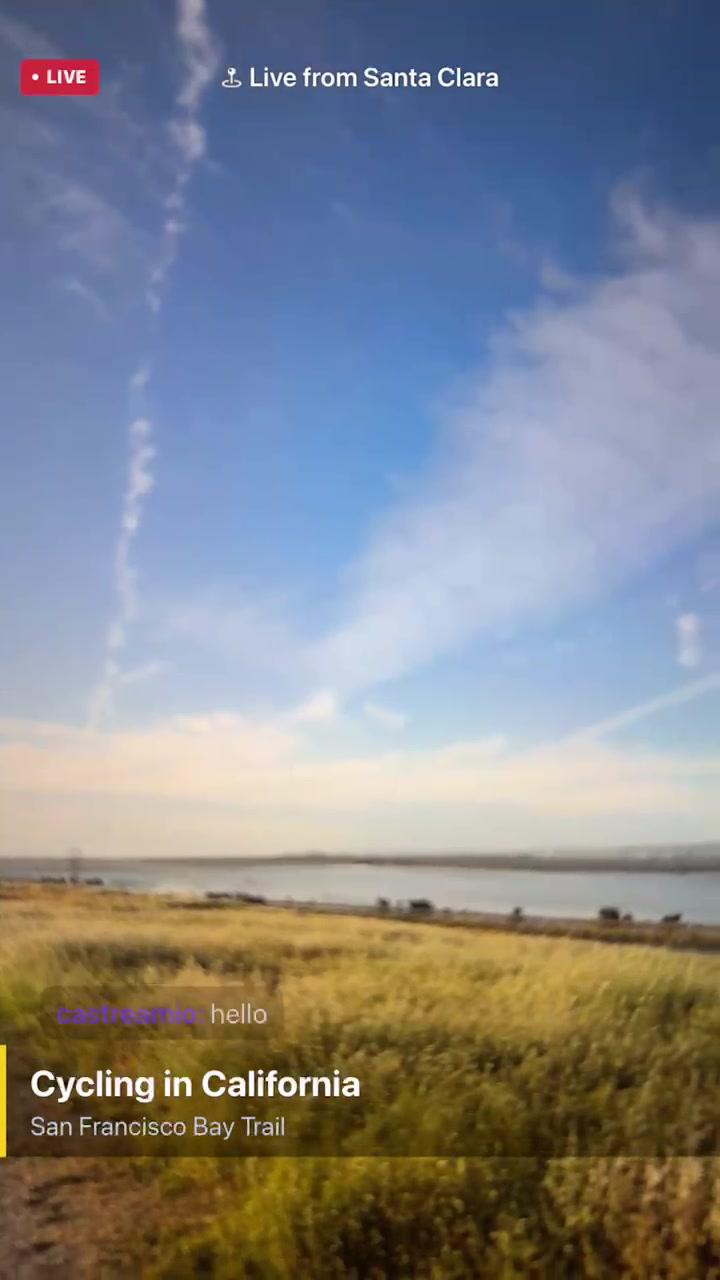
To stream to YouTube and Twitch at the same time from your phone, install the Castream app, connect your YouTube and Twitch accounts once, switch both on as destinations and tap Go Live. Your phone uploads a single stream to Castream, and Castream sends it to both platforms.
Connect both accounts, switch both on, tap Go Live once
Castream works on iPhone and Android. The Free plan covers two destinations, so YouTube + Twitch works without paying.
- 1One upload from your phone: adding Twitch next to YouTube doesn't add a second upload.
- 2Both chats in one feed: read and reply to YouTube and Twitch chat in the app.
- 3Every stream is recorded: download the recording for 30 days after the stream.
What you need
- An iPhone or Android phone with the Castream app.
- A YouTube channel with live streaming turned on. If it isn't on yet, YouTube tells you when you connect, and you can turn it on at youtube.com/features.
- A Twitch account.
- Wi-Fi or a strong mobile signal.
Step by step
Connect YouTube
Open Destinations in the Castream app and tap YouTube. Sign in with Google and approve access. Castream creates the YouTube broadcast for you when you go live, so you don't need a stream key.
Connect Twitch
Tap Twitch in Destinations, sign in and approve access. You only connect each account once.
Pick your source and destinations
Choose your camera (or your screen), add a title, and make sure YouTube and Twitch are both switched on.
Tap Go Live
Your phone sends one stream to Castream, and Castream delivers it to YouTube and Twitch at the same time.
Keep the stream stable on mobile data
- SRT upload with a 2-second buffer: lost packets have time to be resent before viewers notice.
- Reconnect on camera streams: if your signal drops for a moment, the app shows a "Reconnecting…" banner and resumes the same broadcast instead of starting a new one. If the connection doesn't come back within about 40 seconds, the stream ends and the recording is saved.
- One platform failing doesn't cost you the video: if one destination rejects or drops the stream, Castream keeps recording the full broadcast.
Screen streams don't reconnect after a drop yet, so use Wi-Fi when you share your screen.
Read both chats in one place
Castream merges YouTube and Twitch chat into one feed while you're live, so you don't need a second device or a browser tab. See unified chat.
Stream your screen instead
Want to show a game or an app? Pick screen instead of camera before you go live. It works on iPhone and Android; on Android you can add a movable camera bubble on top. See screen streaming and our blog post on streaming mobile games to YouTube and Twitch without a PC.
Free, Creator or Pro for two platforms
| Free | Creator | Pro | |
|---|---|---|---|
| Price per month | $0 | $9.99 | $16.99 |
| Streaming destinations | 2 | 3 | 6 |
| Max resolution | 720p | 720p | 1080p |
| Mobile bitrate | 1 Mbps | 2.5 Mbps | 6 Mbps |
| Free stream limit | 3 streams | Unlimited | Unlimited |
| Length per stream | 5 minutes | No limit | No limit |
| Castream watermark | Yes | No | No |
| AI shorts credits | 15 once (free try) | 50 / month | 200 / month |
Free is enough to try YouTube + Twitch together, but each free stream stops after 5 minutes and carries a Castream watermark. Creator removes both limits and adds a third destination. Pro adds 1080p and up to six destinations. See all plans.
Frequently asked questions
- Does streaming to two platforms use double the data?
- No. Your phone uploads one stream to Castream, and Castream sends a copy to each platform. Adding Twitch next to YouTube doesn't add a second upload from your phone.
- Do I need OBS or a computer?
- No. The Castream app encodes and sends the stream from your phone. If you also stream from a computer, Castream Desktop accepts RTMP from OBS.
- Why does YouTube say live streaming isn't enabled?
- YouTube requires each channel to turn on live streaming before it can go live, and the first activation can take a while. Turn it on at youtube.com/features, then connect YouTube in Castream again.
- Can I stream to YouTube and Twitch for free?
- Yes. The Free plan covers two destinations at up to 720p, with 3 free streams of up to 5 minutes each and a Castream watermark. Creator and Pro have no stream limit and no watermark.
- Can I add a third platform?
- Yes, on Creator (3 destinations) or Pro (6). You can add Facebook (profile), TikTok, Instagram Live, Kick or any custom RTMP server.
More: streaming games, vlogging, multistream from iPhone and the help center.